ILOE App Not Working
The ILOE mobile application has become an important tool for employees in the UAE who want to manage their unemployment insurance quickly and conveniently. Through the app, users can log in to their account, renew subscriptions, make payments, check policy status, and submit claims without visiting any office. Because of these important services, many users become frustrated when the app suddenly stops working.
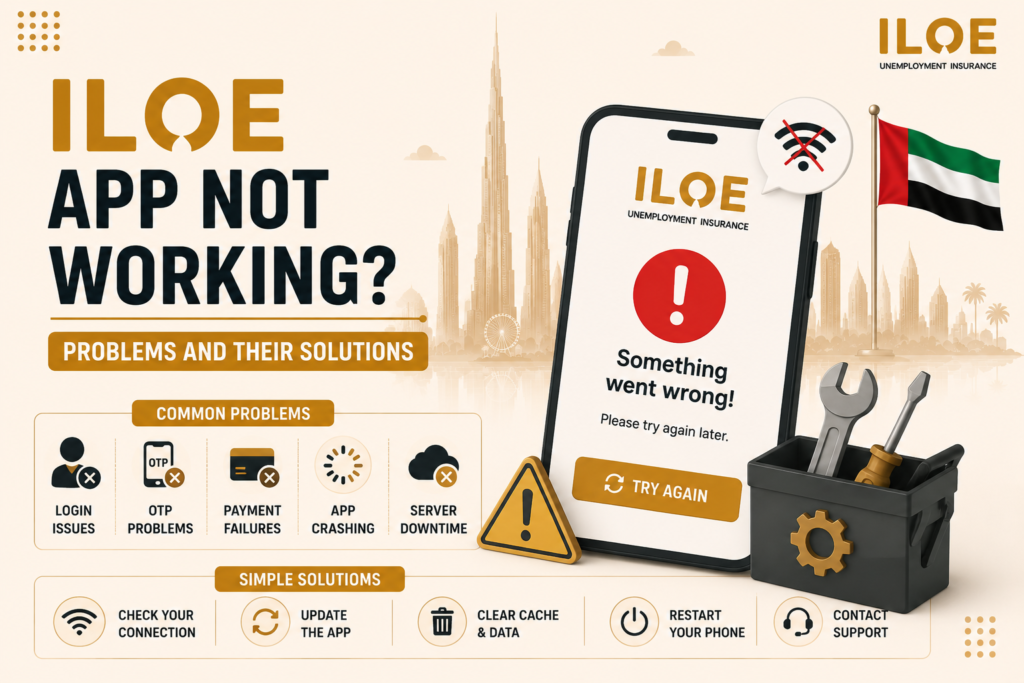
If you are facing issues like app crashes, login errors, OTP problems, payment failures, or loading issues, you are not alone. Many users occasionally experience technical problems due to internet issues, outdated app versions, server maintenance, or device-related problems. The good news is that most of these issues are temporary and can be fixed with simple troubleshooting steps.
What is the ILOE App?
The ILOE app is the official unemployment insurance application in the UAE. It allows employees to manage their insurance policies digitally through their smartphones.
The app is designed to provide quick access to important services such as:
The app is available for both Android and iPhone users, making it easy for employees to access their insurance information anytime and anywhere.
Common Reasons Why ILOE App Stops Working
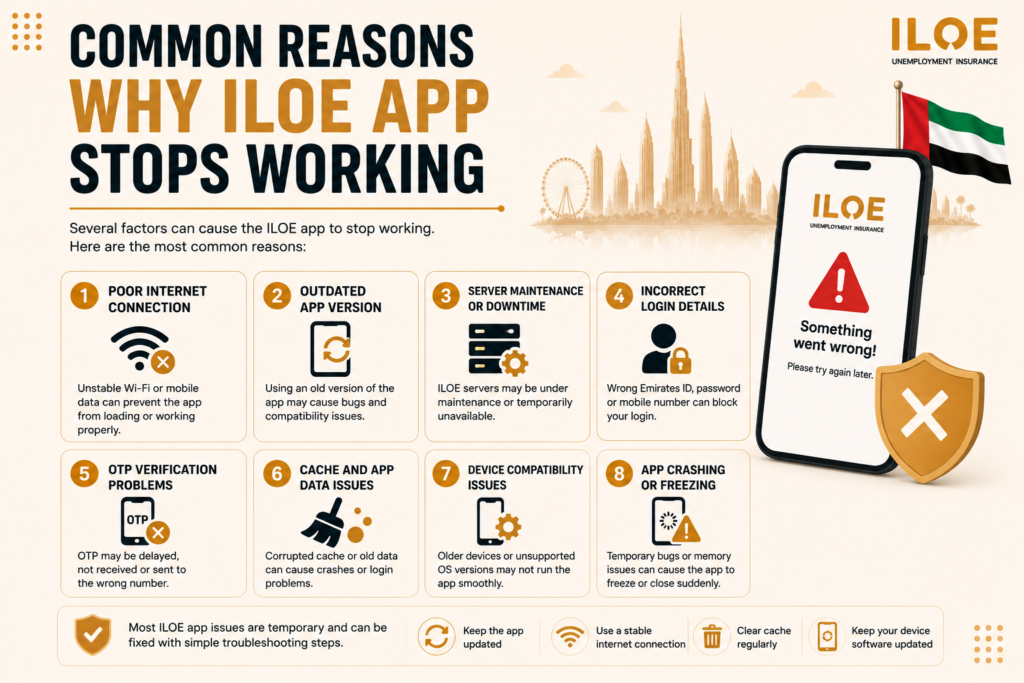
1. Poor Internet Connection
One of the most common reasons for app problems is unstable internet connectivity. If your Wi-Fi or mobile data connection is weak, the app may fail to load properly or show connection errors.
Slow internet can also interrupt login attempts, payment processing, and OTP verification.
Solution:
A stable internet connection is essential for the app to function smoothly.
2. Outdated App Version
Using an old version of the app can create compatibility issues. Older versions may contain bugs or security problems that affect performance.
The developers regularly release updates to improve functionality and fix technical errors.
Solution:
Keeping the app updated helps avoid many technical problems.
3. Server Maintenance or Downtime
Sometimes the issue is not on your side. Official ILOE servers may temporarily go offline for maintenance, upgrades, or technical improvements.
During this period:
Solution:
Wait for some time and try again later. Most maintenance-related issues are temporary.
4. Incorrect Login Details
Entering incorrect login information is another common reason why users cannot access the app. Even small typing mistakes in your Emirates ID, mobile number, or password can prevent successful login.
Repeated failed attempts may temporarily lock your account for security reasons.
Solution:
5. OTP Verification Problems
Many users report issues receiving OTP codes during login or verification. This can happen due to:
Without OTP verification, users cannot access their account.
Solution:
6. Cache and App Data Issues
Over time, stored cache files may become corrupted and create performance issues inside the app. This can lead to:
Solution for Android:
For iPhone users, reinstalling the app is often the easiest solution.
7. Device Compatibility Issues
Older smartphones may not fully support newer versions of the ILOE app. Devices with outdated operating systems can struggle to run updated applications smoothly.
Solution:
Keeping your device updated improves app performance.
8. App Crashing or Freezing
Sometimes the app may suddenly close, freeze, or stop responding during use. This usually happens because of temporary system bugs or memory issues.
Solution:
Most freezing problems can be fixed with a quick restart.
ILOE App Login Problems
Some users experience login-specific issues such as:
In most cases, resetting your password or retrying later solves the issue.
When to Contact ILOE Customer Support
If none of the troubleshooting methods work, you should contact customer support.
Contact support if:
The support team can guide you through advanced troubleshooting steps.
Tips to Avoid Future ILOE App Problems
These small steps help reduce technical problems in the future.
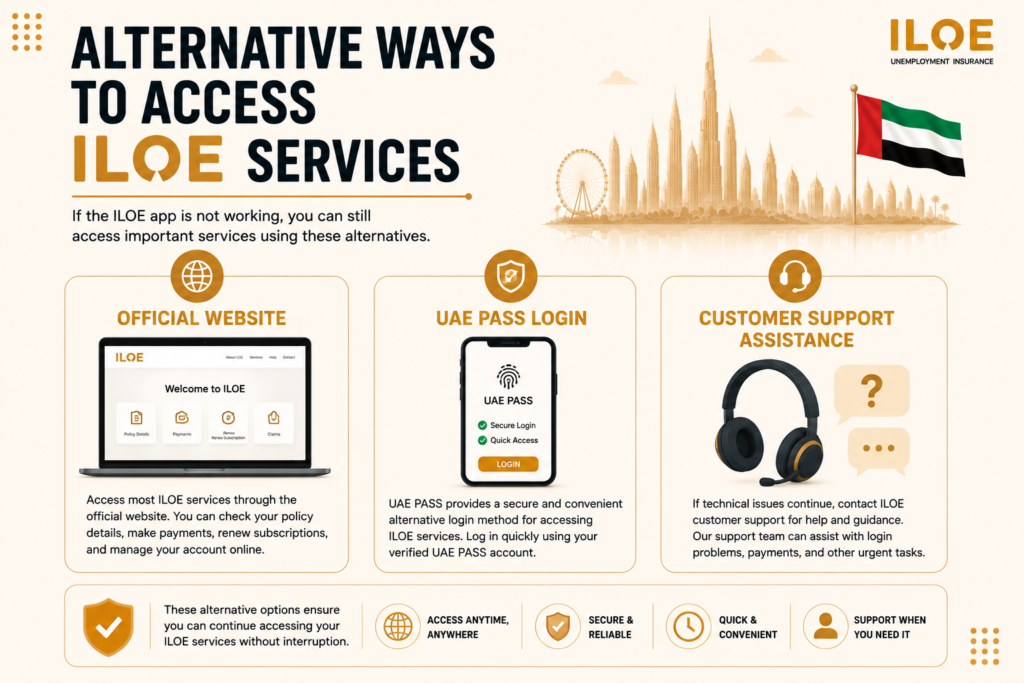
Alternative Ways to Access ILOE Services
Official Website
If the ILOE app is not working, users can still access important services through the official website. The portal allows employees to check policy details, make payments, renew subscriptions, and manage their insurance account online.
UAE PASS Login
UAE PASS provides a secure and convenient alternative login method for accessing ILOE services. Users can log in quickly without entering separate passwords by using their verified UAE PASS account.
Customer Support Assistance
If technical issues continue, users can contact ILOE customer support for help and guidance. The support team can assist with login problems, payment issues, account access, and other urgent concerns.
Frequently Asked Questions
2. What should I do if OTP is not received?
Check your mobile network, wait a few minutes, and request the OTP again.
3. Can I use the website if the app is not working?
Yes, users can access their account through the official ILOE website.
4. How do I fix ILOE app crashing issues?
Update the app, clear cache, restart your device, or reinstall the application.
Conclusion
Facing issues with the ILOE app can be frustrating, especially when you need urgent access to your insurance information. However, most problems are temporary and can usually be fixed through simple troubleshooting steps such as updating the app, checking your internet connection, clearing cache, or restarting your device.
The ILOE app remains one of the most convenient ways for employees in the UAE to manage unemployment insurance services. By keeping your app updated and regularly monitoring your account, you can reduce the chances of technical issues and ensure smooth access to important insurance services whenever needed.